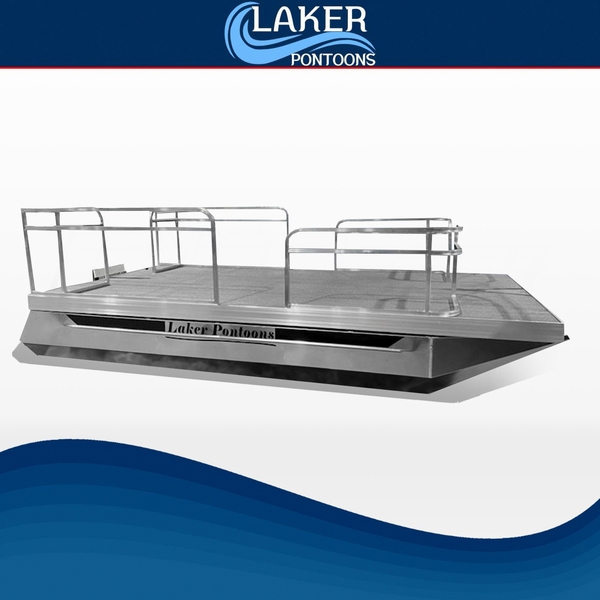
How to build your Laker Boat
Build Your Custom Laker
Your 6-step checklist to configuring the perfect boat. Follow this guide to ensure your motor, console, and trailer options match perfectly.
⚓ Choose Hull
Select your foundation model on the category page. The number indicates deck size (e.g., 610 = 6' x 10').
- Laker 610: Best for small ponds.
- Laker 612: Added stability.
- Laker 712: Most popular.
- Laker 714: Max capacity.
🛠️ Start Builder
On the product page, locate the Boat Builder dropdown menu.
This unlocks all custom options.
⚙️ Configure
Crucial Step: Your "Console" choice determines available motors.
| Console: YES | Console: NO |
|---|---|
| Steering Wheel | Open Deck |
| Remote Motors | Tiller Motors |
🚛 Delivery
Prevent shipping delays by matching your cart options.
- With Trailer: If buying a trailer.
- Without Trailer: Boat-only delivery.
⚠ Important: Select correct delivery State for freight.
🛒 Add to Cart
Click the Add to Cart button first.
This will take you to the summary page where you can review your entire build configuration and pricing before proceeding to final checkout.
✍️ Sign & Confirm
After your order is processed, keep an eye on your email.
You will receive a Non-Cancellation Form. You must sign and return this document to finalize your custom build and begin production.
Pro Tip: Visual Previews
Not sure about a color? Click the small thumbnail images next to any dropdown menu in the builder. A popup will show you exactly what "Navy Blue" or "Tan Flooring" looks like.